Logs
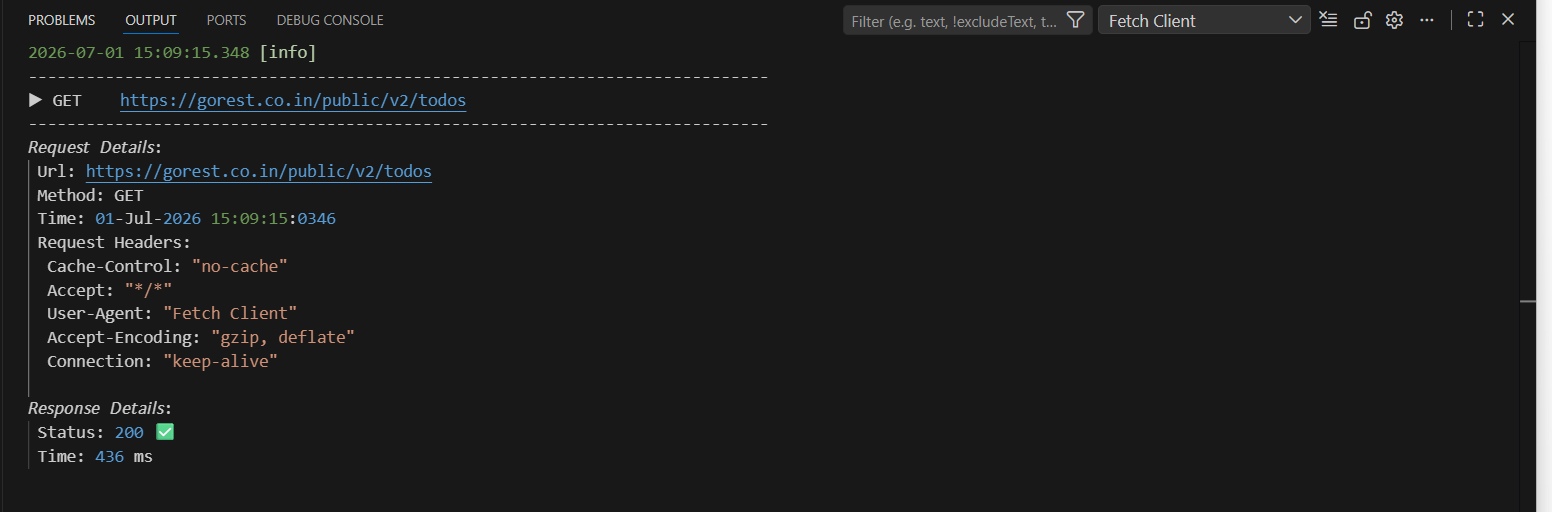
The Logs feature helps you track and monitor all your API requests and responses in Fetch Client. This makes it easy to debug issues and understand what's happening with your API calls.
📋 Viewing Logs
To access your request and response logs:
- Click the View Log button in the Fetch Client sidebar
- The logs will open in the VS Code Output panel
- All your API activity will be displayed in chronological order
⚙️ Customizing Log Settings
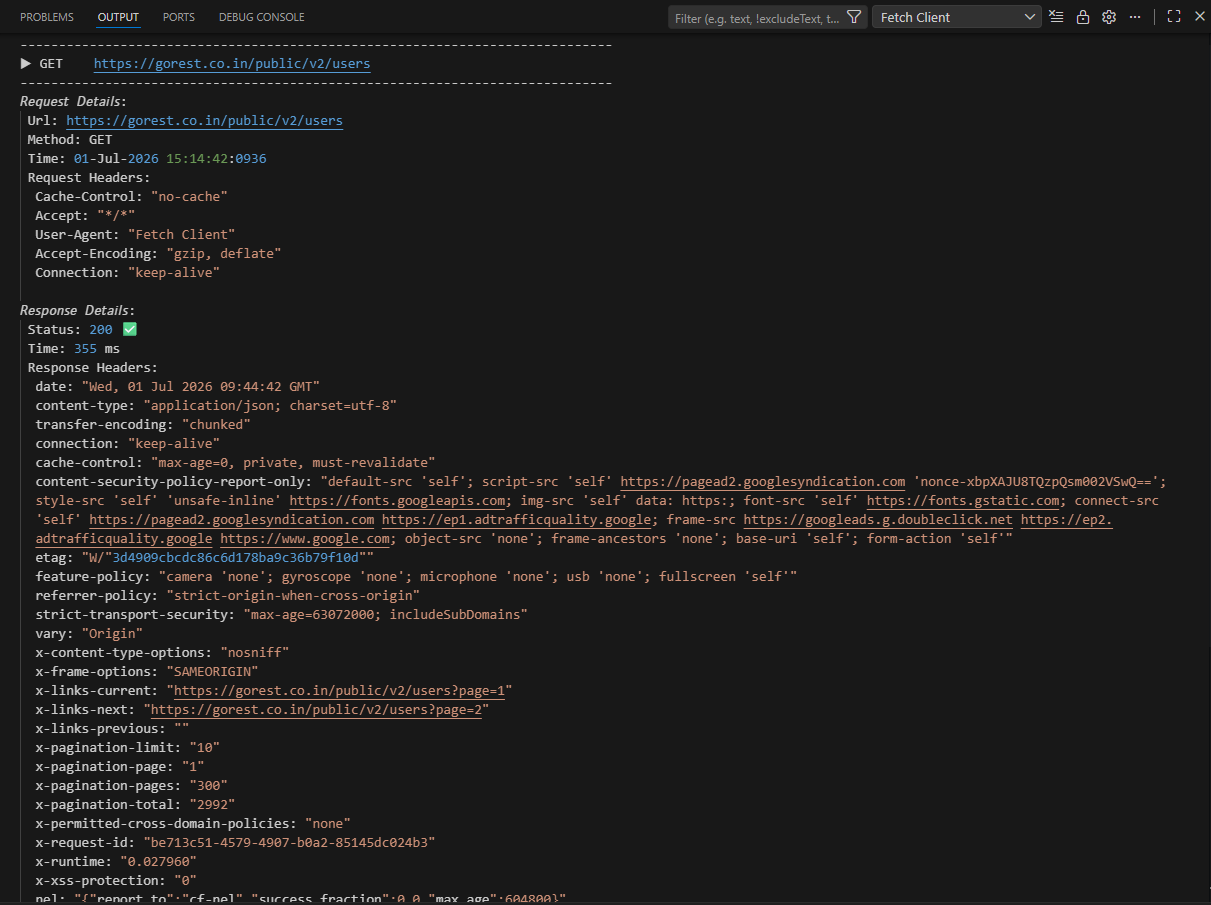
You can control what information appears in your logs:
- Open the Fetch Client settings
- Choose your preferred log level:
- Request Only - Shows only outgoing requests
- Request + Response - Shows both requests and responses (recommended for debugging)
This helps you focus on the information you need without clutter.

💡 Why Use Logs?
Logs are helpful when you need to:
- Debug API issues and errors
- Track the history of your API calls
- Compare request and response data
- Monitor API performance over time