Quick Access
The Quick Access sidebar helps you organize, reuse, and manage your API requests. It includes below four tabs and Environment Variable Selector dropdown:
- 📜 History
- 📋 Collections
- 🌍 Variables
- 🌐 Mock Server
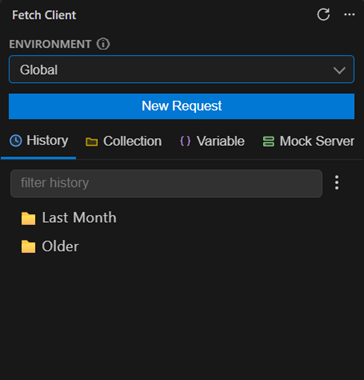
📜 History
Every request you send is automatically saved.
Features
- 🔄 Automatically saves every request
- ⚡ Reopen previous requests with one click
- 📂 Save history items to collections
- 🗑️ Delete individual or multiple history items
- 📁 Switch between Folder and List views
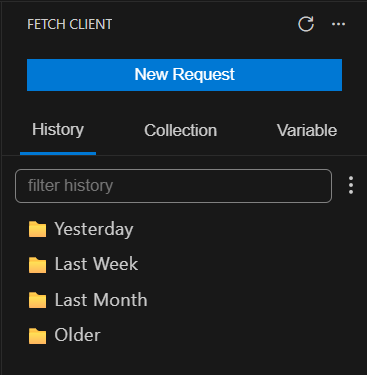
History Tab (Folder View)
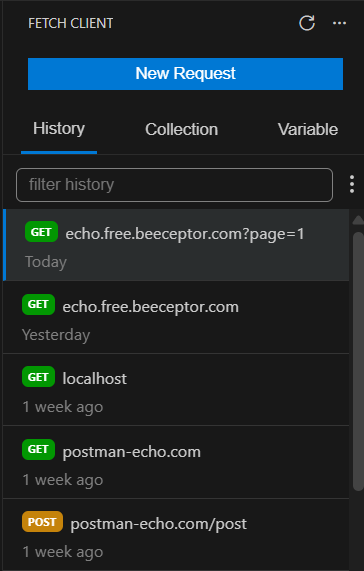
History Tab (List View)
📋 Collections
Collections help you organize related requests into reusable projects.
Features
- 📁 Organize requests with folders
- ▶️ Run individual requests, folders, or entire collections
- ⚙️ Collection-level settings
- 🌍 Attach environment variables
- 📤 Export collections
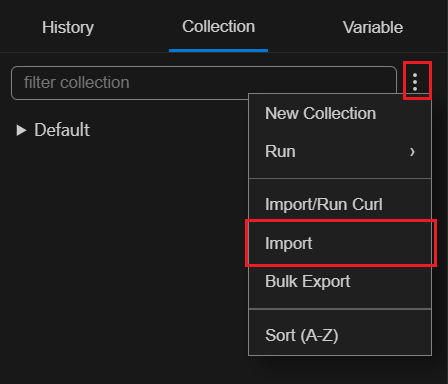
- 📥 Import collections
- 🔀 Drag and drop to reorder items
- 📄 Duplicate, Rename, Delete
- 🔍 Search collections
Variable Linking
Attach specific variables to a collection.
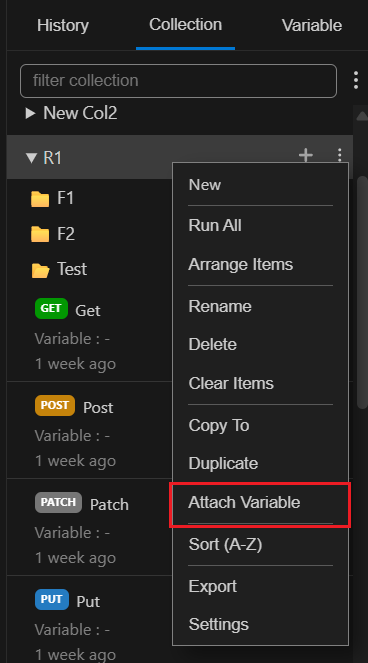
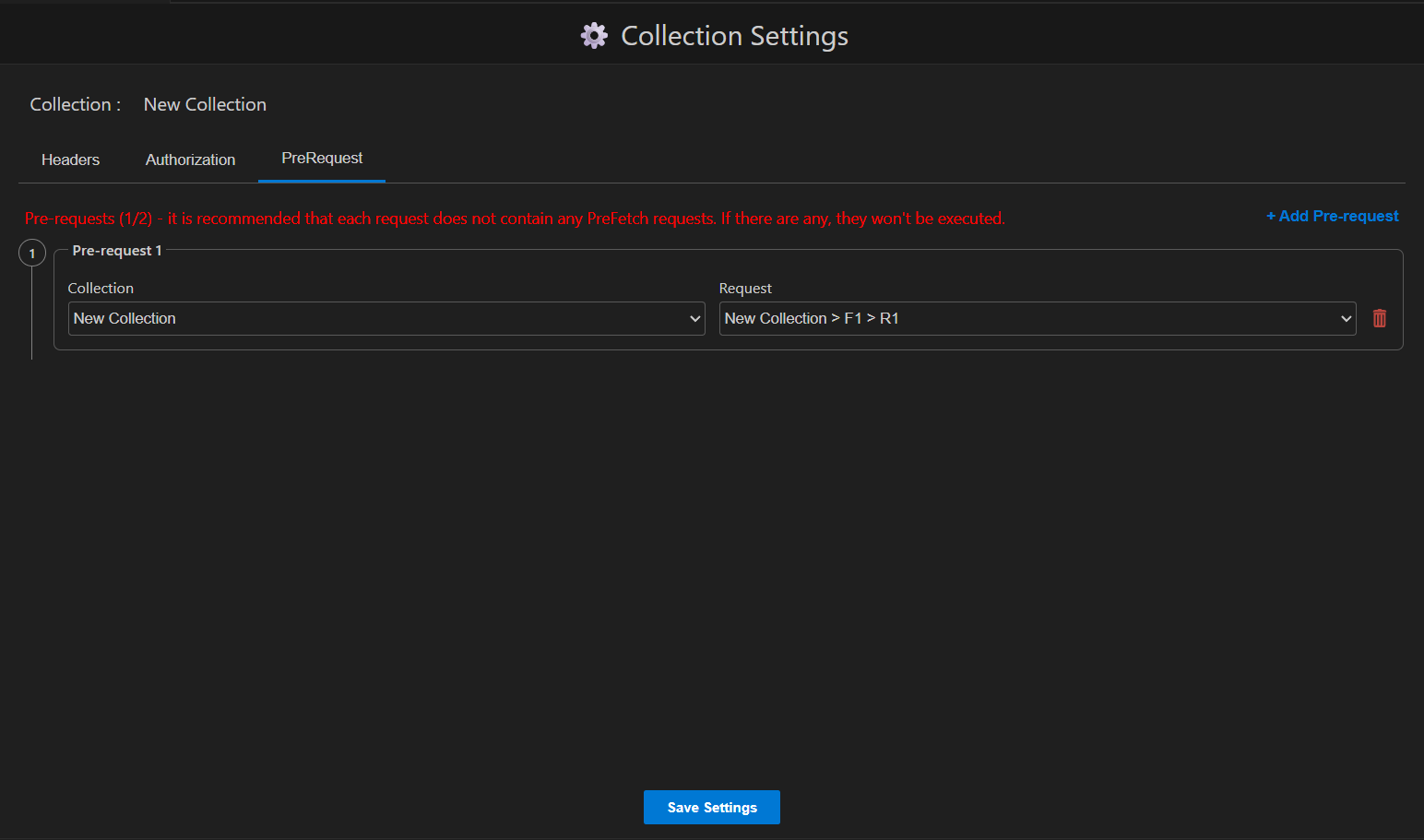
Collection Settings
Apply common settings to every request in a collection.
Supports:
- 🔐 Authentication
- 📝 Headers
- ⚙️ Pre-Requests
Import & Export
Share collections with your team or back them up.
Export supported formats:
- Fetch Client - Native format v2 (recommended)
- Postman - v2.1
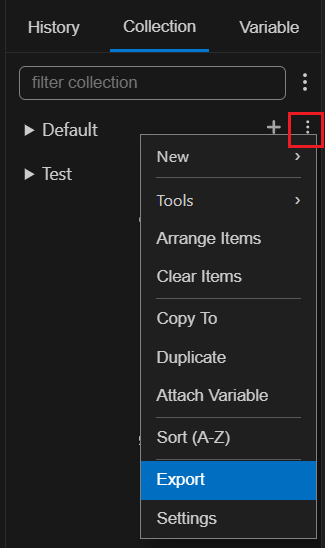
Export single collection
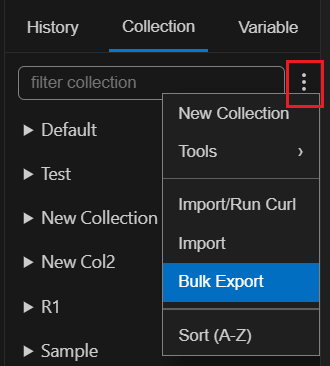
Bulk Export Menu
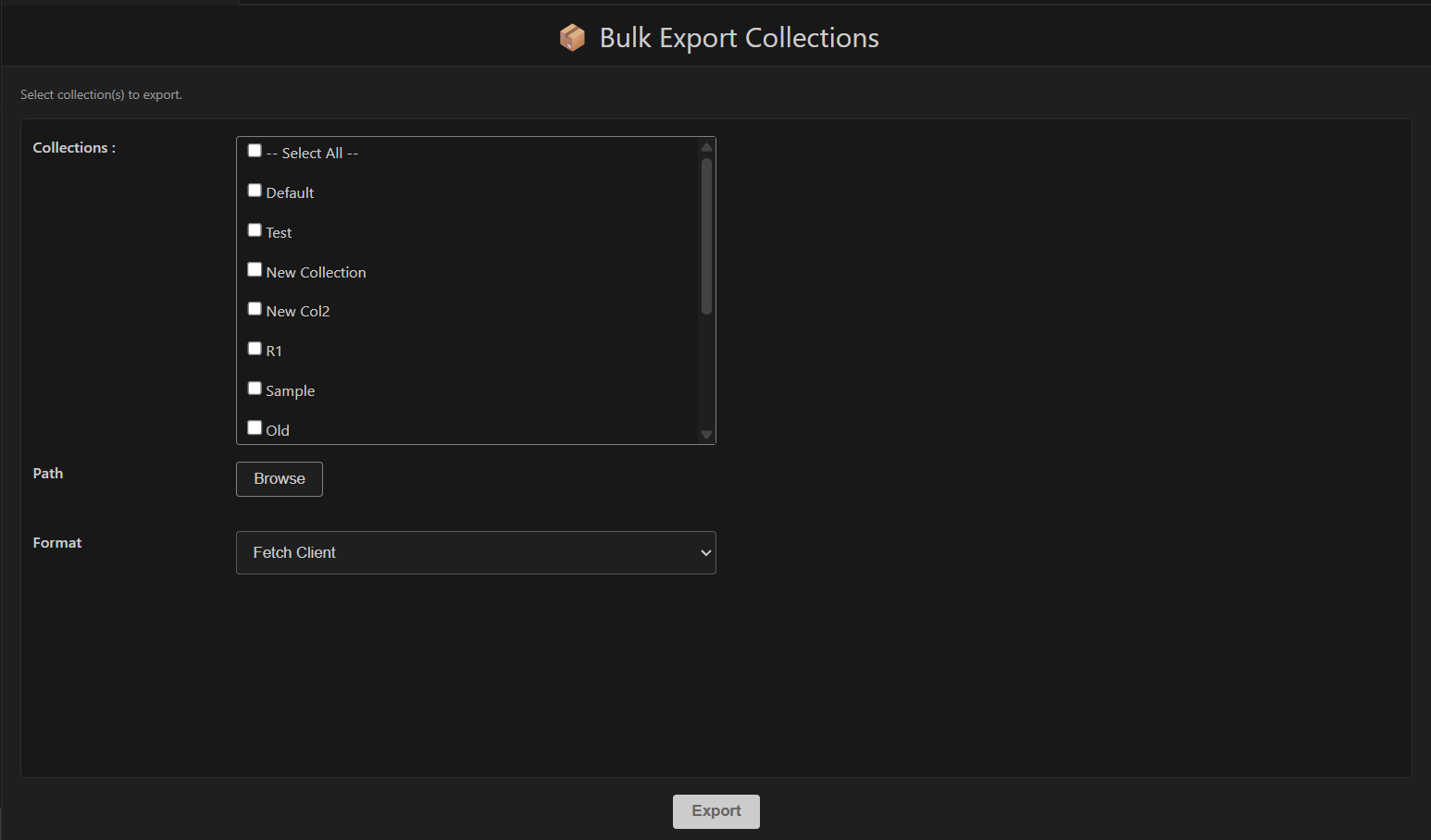
Bulk Export
Import supported formats:
- Fetch Client - Native format v1 and v2 (recommended)
- Postman - v2.1
- Thunder Client - v1.2
- Insomina - v4 and v5
- Open API - v3 (JSON or YAML)
🌍 Variables
Variables make requests reusable across environments.
Example:
{{baseUrl}}/users/{{userId}}
Supported scopes:
| Scope | Description |
|---|---|
| 🌍 Global | Available everywhere |
| 📋 Collection | Available within one collection |
Variables can be used in:
- URLs
- Headers
- Query Parameters
- Request Body
- Authentication
- Pre-Requests
- Tests
Learn more in Environment Variables.
🌐 Mock Server
Spin up a lightweight local HTTP server, right from the extension, that returns pre-defined responses for any route. Useful for prototyping against an API that doesn't exist yet, developing against a flaky or rate-limited backend, or reproducing a specific edge case (an error, a slow response, a conditional payload) on demand - without touching a real server.
Learn more in Mock Server.
🌍 Environment Selector
The Environment dropdown in the sidebar controls the variable set used by requests that are not linked to a collection or folder variable.
- Applies only to standalone requests or requests without an assigned variable.
- Collection or folder variables always take precedence.
- Switch environments instantly without modifying individual requests.
Note: Changing the selected environment does not affect requests that already have a collection or folder variable assigned.
💡 Tips
- Keep related APIs in one collection.
- Use collection variables for environment-specific values.
- Move useful history requests into collections.
- Use folders to organize large APIs.