Scheduled Runs
🚀 Overview
Scheduled Runs lets you run API requests on a schedule. It is useful when you want to test an API for a longer time without sending requests by hand.
✨ Key Features
- Run requests automatically on a timer
- Set interval and total run time
- Pick requests from your collections
- Run up to 5 requests at the same time
- Easy and clean user interface
🧭 How It Works
- Select a collection.
- Select a request from that collection.
- Set:
- Interval: how often the request runs
- Duration: how long the request keeps running
- Select Enable.
The system then sends the request based on your settings.
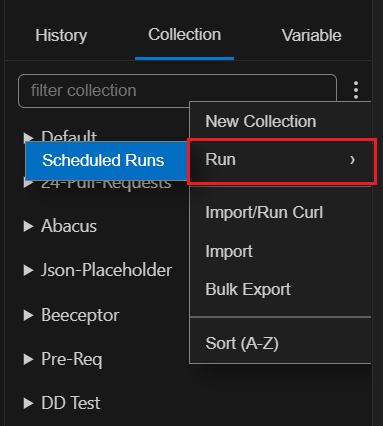
Global Level
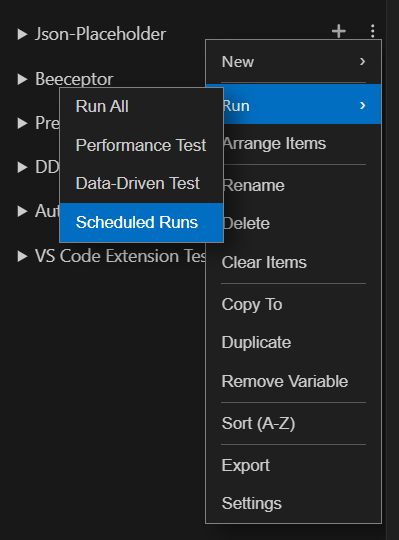
Collection Level
⚙️ Configuration Options
Schedule the requests with the following configuration:
- Interval (minutes) - Time between each request run.
- Duration (minutes) - Total time the requests will run.
- Multi-Request Support - You can add up to 5 requests.
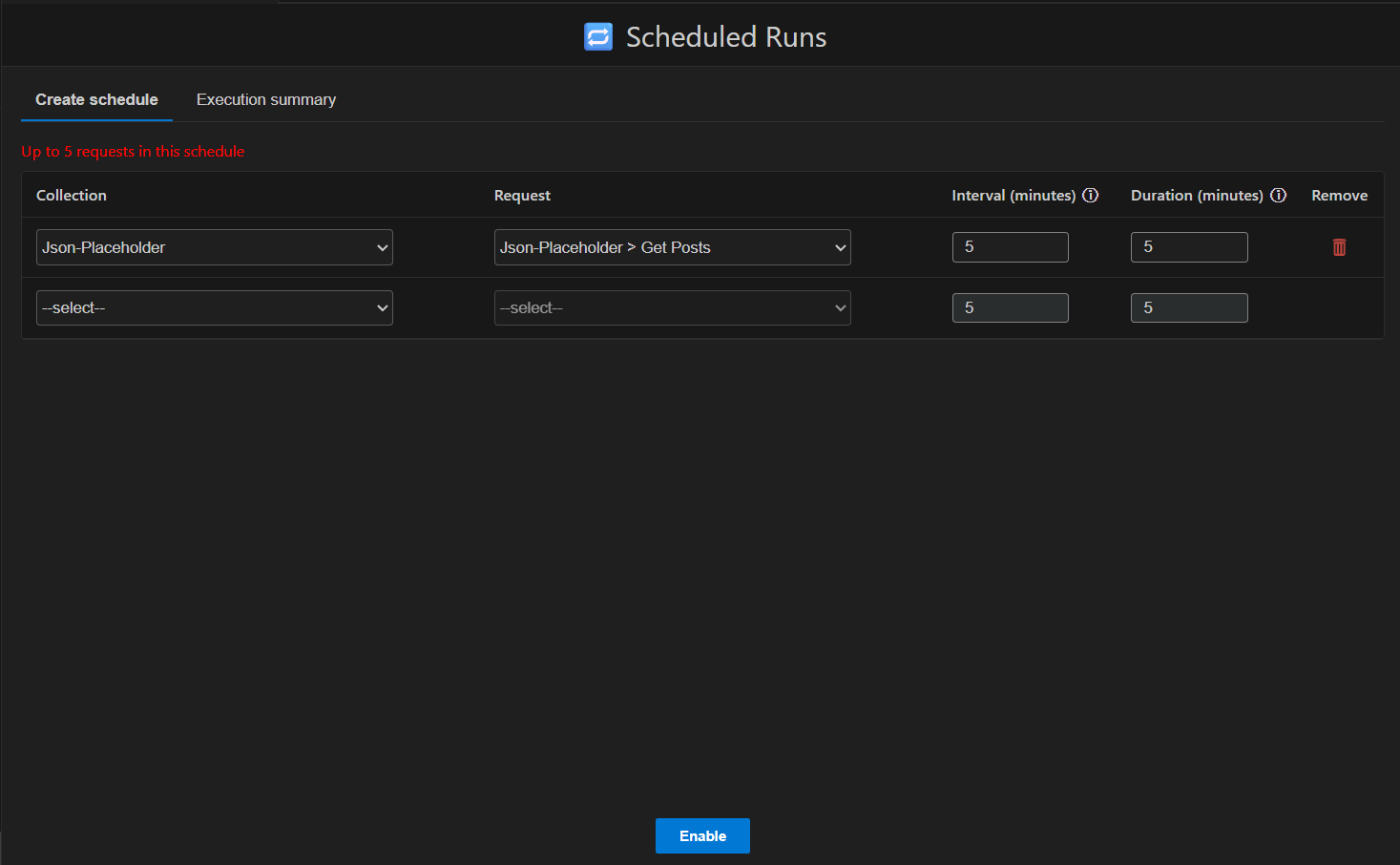
📌 Execution Logic
- A request runs again and again based on the interval.
- It stops automatically when duration ends.
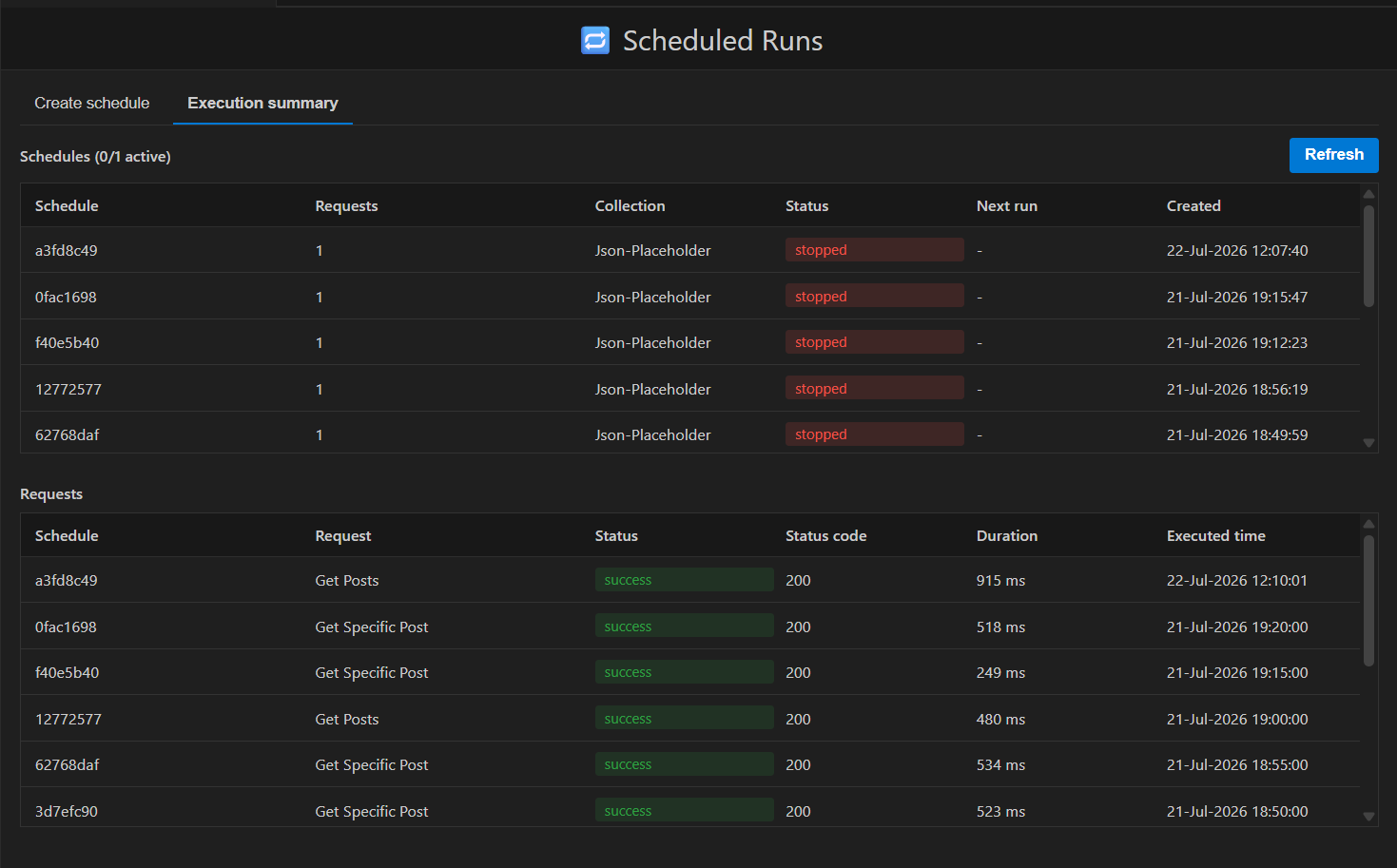
⚠️ Important Notes
- Maximum 5 requests can run at one time.
- Only one schedule can be active at a time.
- Do not use PreFetch requests inside Auto Requests.
- PreFetch requests are not executed if available.
- Invalid inputs are highlighted in the UI.